Why this approach to analytics
I have watched organisations move through several generations of productivity tools, from manual timesheets to digital timers and now to AI assisted analytics. Each generation promised clarity, yet the same questions keep returning: where does time really go, which activities support outcomes, and how do we change without harming trust. With Quenzoriveta, I position outcome based time analytics as a way to revisit those questions with better evidence and clearer caveats. The system connects existing time tracking, calendar, and delivery tools, then maps activities to observable outcomes like shipped features, resolved tickets, or completed milestones. AI helps classify work into categories that people recognise, while I keep an audit trail of how these rules evolve. The core outputs are comparison tables that place time spent, outcomes delivered, rework, and meeting load side by side, rather than a single productivity score. This structure reflects how experienced leaders think about trade offs and helps teams spot patterns that deserve investigation. Privacy and psychological safety are treated as design requirements, especially for South African teams navigating evolving data protection norms. Dashboards emphasise aggregated views first, and personal data is kept to a practical minimum. I repeat throughout the product that results may vary and that past performance does not guarantee future results, because analytics can inform decisions but cannot remove uncertainty. The aim is to give you a more accurate history of how work has unfolded, so that each new decision rests on something sturdier than anecdotes alone.
What sits behind the dashboards
Most teams I speak with have tried a dashboard without really knowing how the numbers were assembled, and that uncertainty quietly erodes trust. On this page, I explain how Quenzoriveta turns time tracking and outcome data into AI assisted comparison tables you can inspect and question. I walk through the main data sources, the classification steps, and the safeguards I use to keep the analytics explainable.

How Quenzoriveta fits into your existing practices
Positioning Quenzoriveta as a connective layer between your existing tools and rituals, rather than as a standalone verdict on how productive your teams are.
People often ask how Quenzoriveta fits alongside their existing reports, retrospectives, and planning rituals. I see it less as a replacement and more as a bridge between them, giving you a consistent way to compare activities, outcomes, and time across different slices of your organisation.
-
1
At its core, outcome based time analytics is about pairing every discussion of effort with a discussion of effect. Instead of asking only how many hours a team spent on a project, I also ask what became visible at the end of those hours: new features, fewer support tickets, improved response times, or other tangible changes. Quenzoriveta brings these threads together, calculating outcome per hour figures at various levels of detail. These figures are not scores to chase, but signals that help you see where a modest shift in attention might produce a meaningful change in results.
-
2
Because modern work is complex, I avoid collapsing everything into a single productivity metric. Quenzoriveta presents related measures side by side, such as delivery volume, rework, and meeting load. This comparison table approach mirrors the way an experienced leader thinks about trade offs. If a new process reduces time spent in meetings but leads to more rework, that tension appears in the same view. You can then decide, with your team, whether the trade off is acceptable or whether the process needs another iteration.
-
3
I also emphasise that analytics are descriptive, not prescriptive. Historical data can reveal patterns, but it cannot dictate what you should do next. Results may vary between teams and periods, and past performance does not guarantee future results, especially when external factors change. I encourage you to use Quenzoriveta as a structured lens on your recent history, combining what the dashboards show with your knowledge of context, constraints, and upcoming priorities.
Inside the product
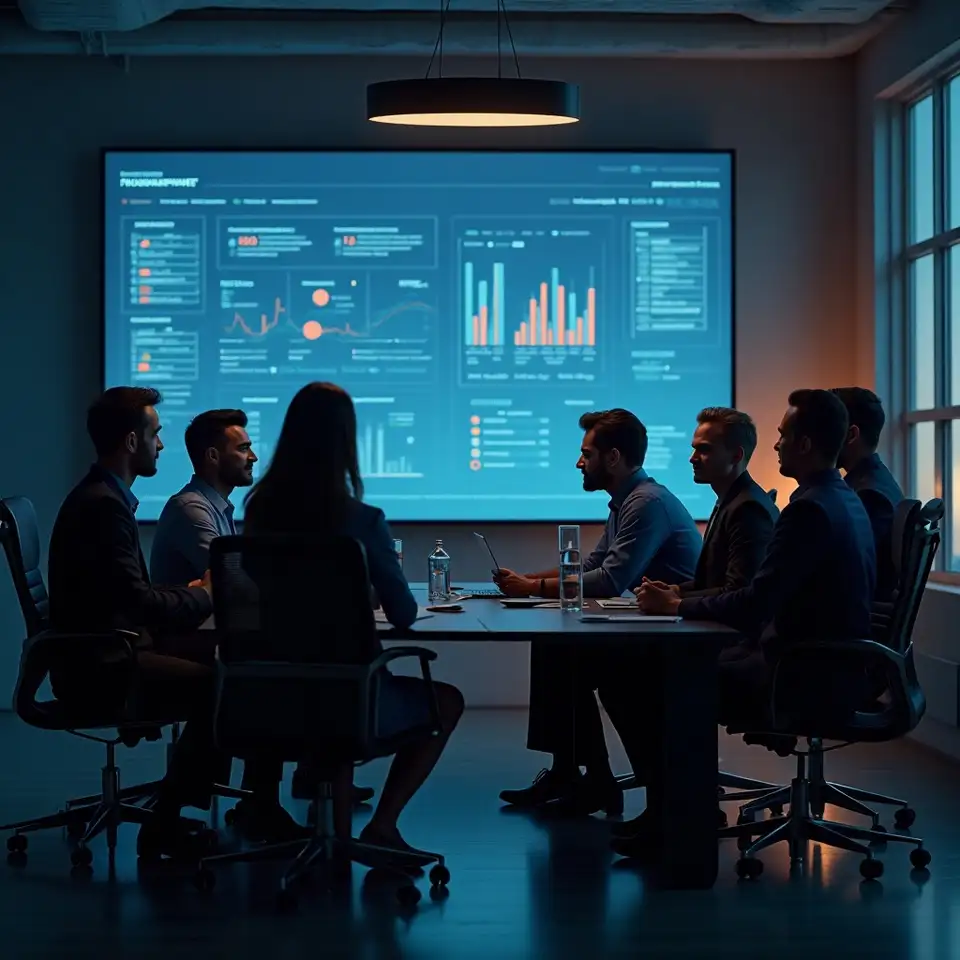
These snapshots illustrate how Quenzoriveta turns raw records into explainable comparisons, from high level outcome per hour views to the underlying classifications and privacy controls that support them.


How it works
From raw records to explainable comparisons
When people ask how Quenzoriveta actually works, I start with the data trail your team already leaves behind. Time trackers record hours, task boards record work items, and deployment or publishing tools record outcomes. I connect to these systems, collect the relevant fields, and align them along a shared timeline. AI models help link activities to outcomes and classify work into categories such as planning, execution, and coordination. I keep the logic behind these links simple enough to describe in plain language, and I document each assumption so you can review it later. The platform then arranges metrics into comparison tables, showing, for example, how much time each category consumes relative to the outcomes it appears to support. Instead of claiming to predict your future, Quenzoriveta focuses on making your recent past easier to read. Results may vary between teams and periods, and past performance does not guarantee future results, so I encourage you to treat the analytics as one input among several when deciding what to try next.

Key elements of the Quenzoriveta approach
Most product pages rush past the details, but I find that trust in analytics grows when you understand the mechanics. Below, I outline how Quenzoriveta handles data sources, AI models, privacy choices, and the limits of what outcome based time analytics can reasonably claim to show.
Connecting existing systems
Quenzoriveta connects to tools you already use, such as time trackers, task boards, and release or publishing systems. I collect essential fields like timestamps, project identifiers, and status changes, then align them along a shared timeline. Instead of replacing your existing systems, I treat them as historical records and build a consolidated view on top. This reduces manual spreadsheet work while preserving your current workflows and permissions.